
VPCs, Peer Connection, CloudWatch
Part 1 : Architecture
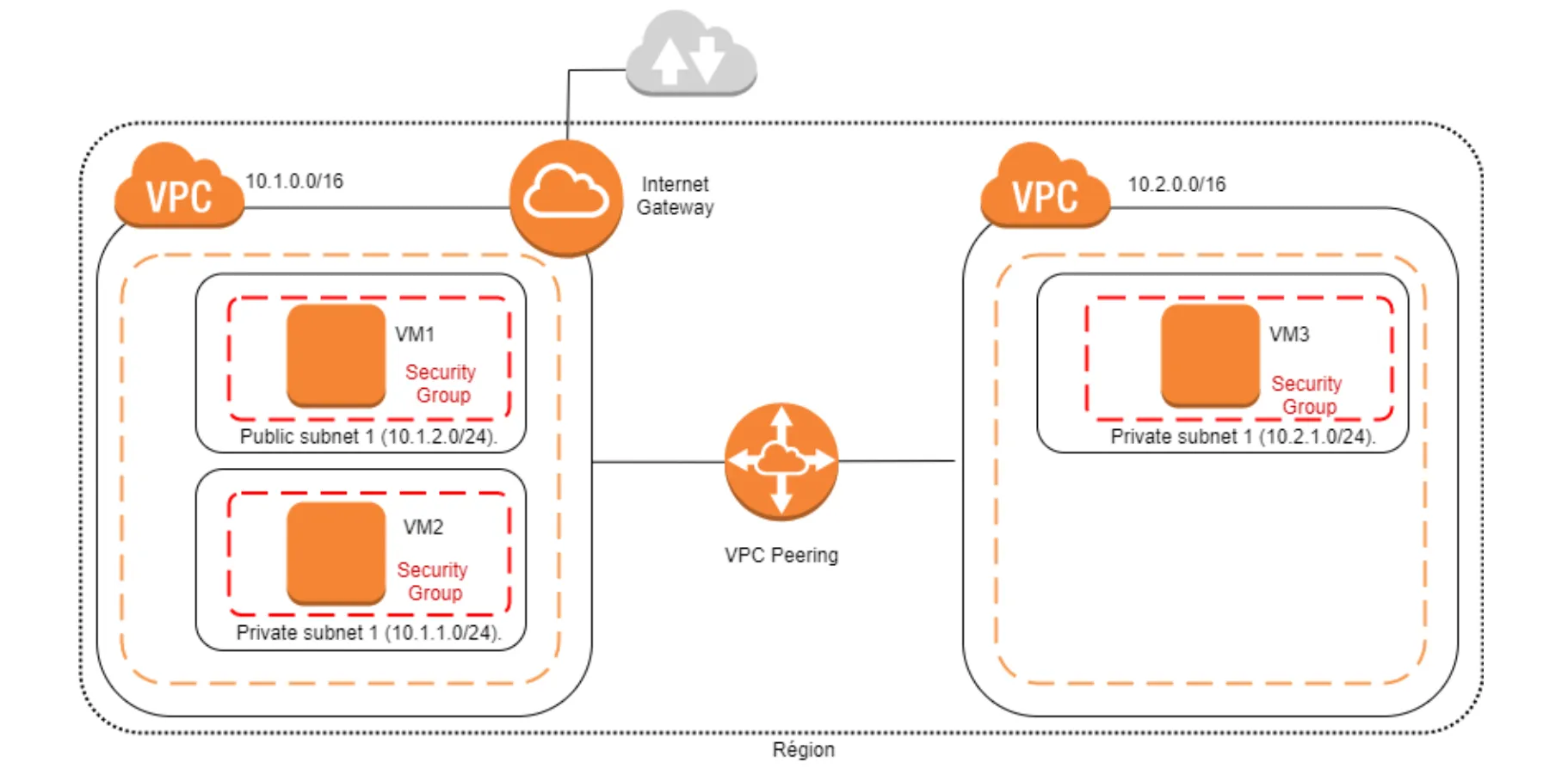
1.1 : Create a VPC_1
- name :
my-vpc1-ab = 10.7.0.0/16 - Region
eu-west-2

Subnets :
- my-private-subnet-vpc1-ab = 10.7.1.0/24- my-public-subnet-vpc1-ab = 10.7.2.0/24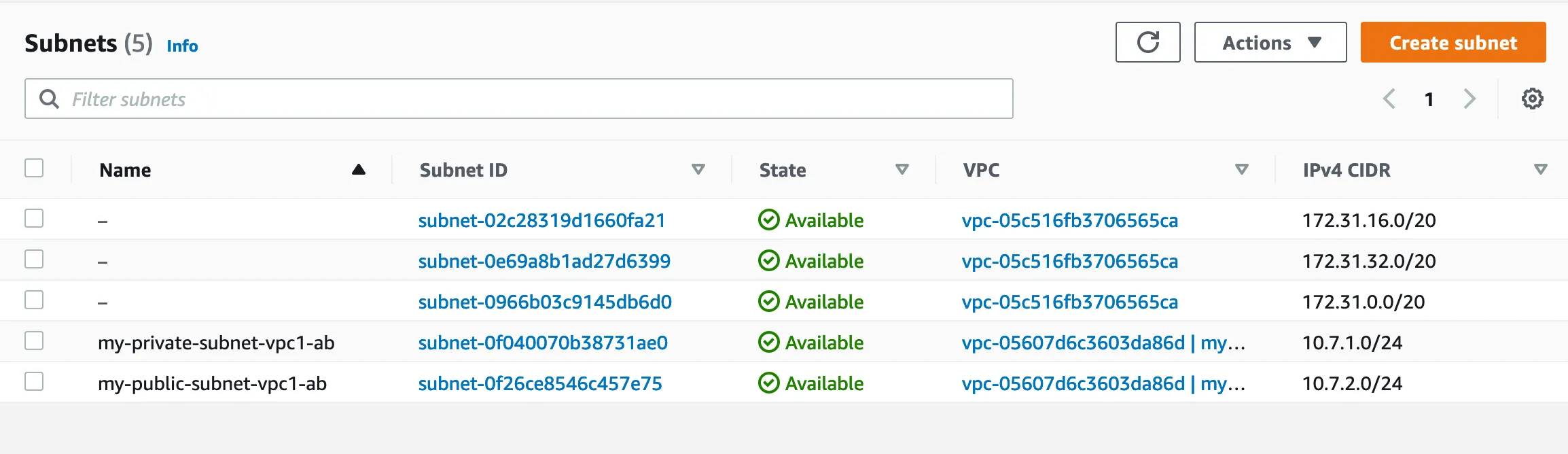
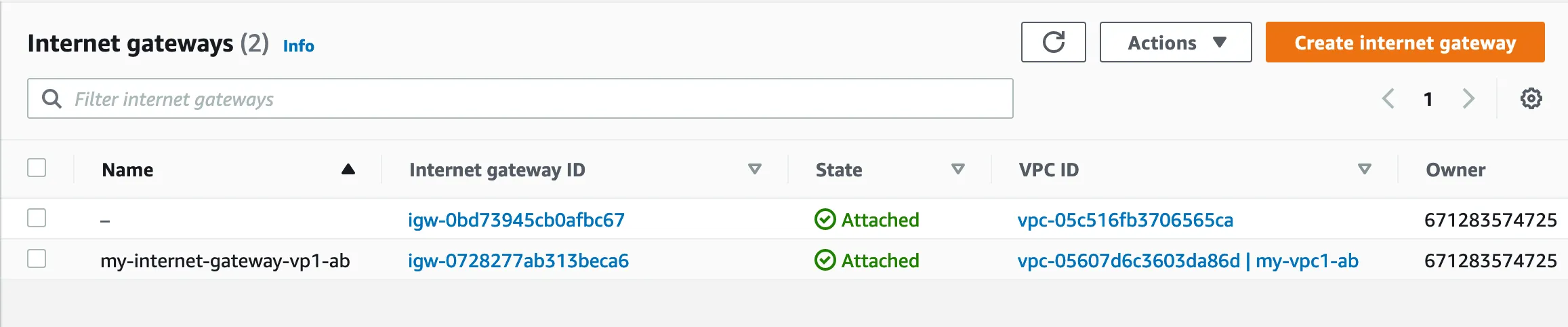
Internet Gateway : my-internet-gateway-vpc1-ab
Route Table :
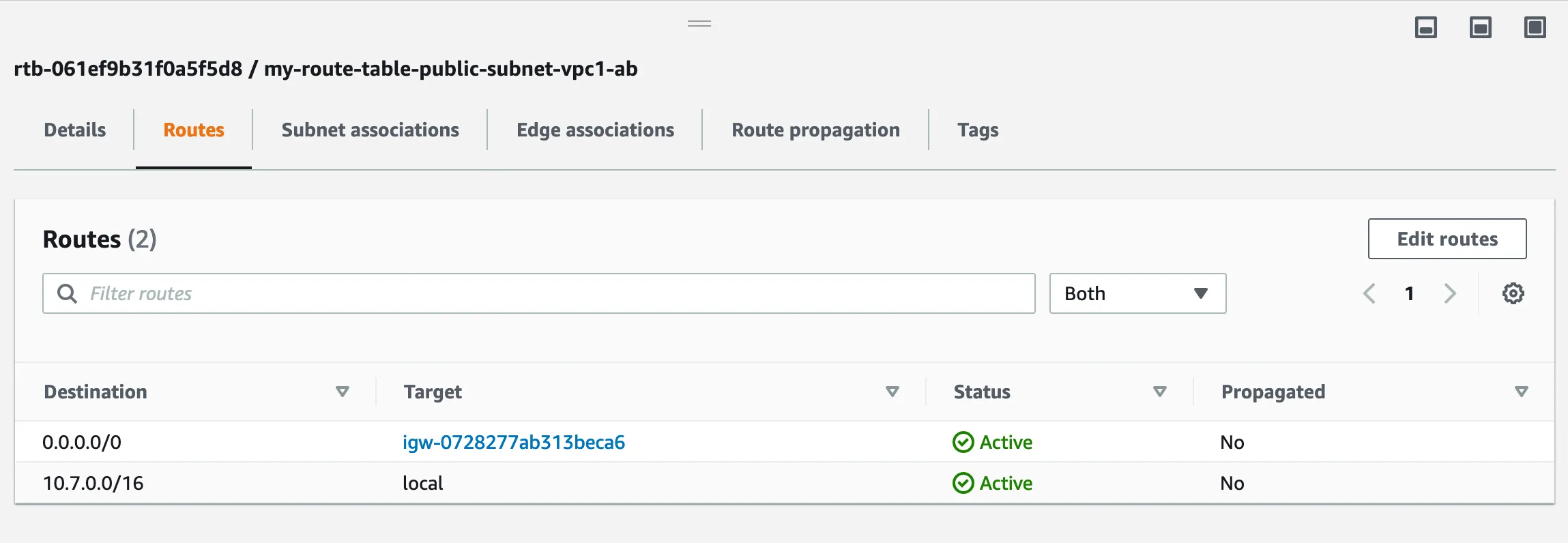
- my-route-table-private-subnet-vpc1-ab- my-route-table-public-subnet-vpc1-ab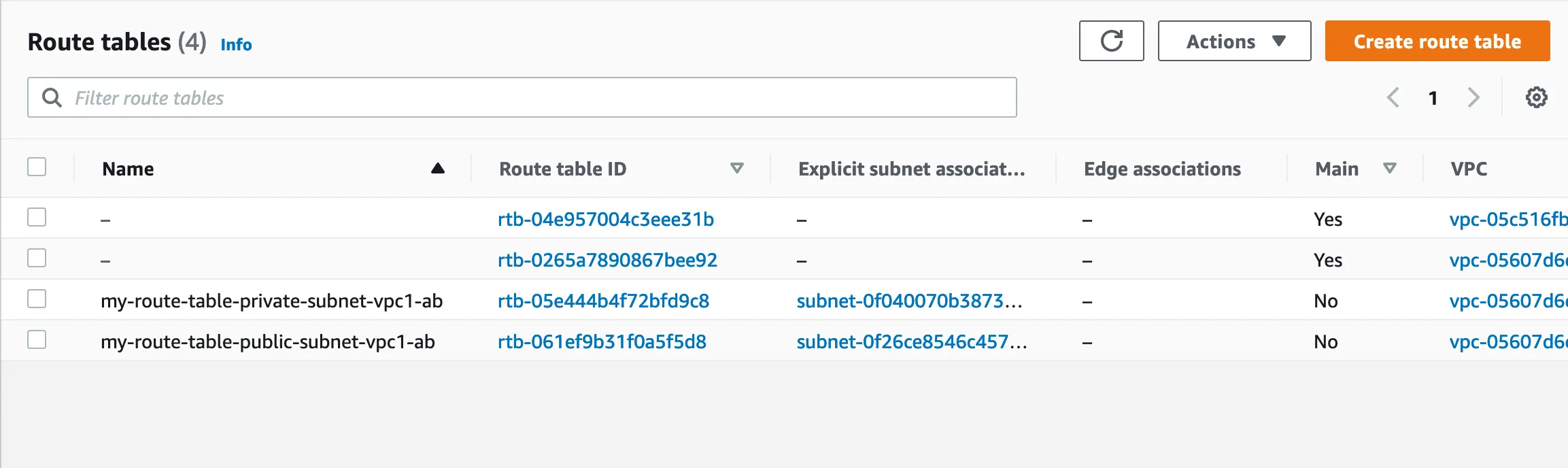
Internet Connection :
1.2 : Create a VPC_2
name : my-vpc2-ab = 10.8.0.0/16

Subnets :
- my-private-subnet-vpc2-ab = 10.8.1.0/24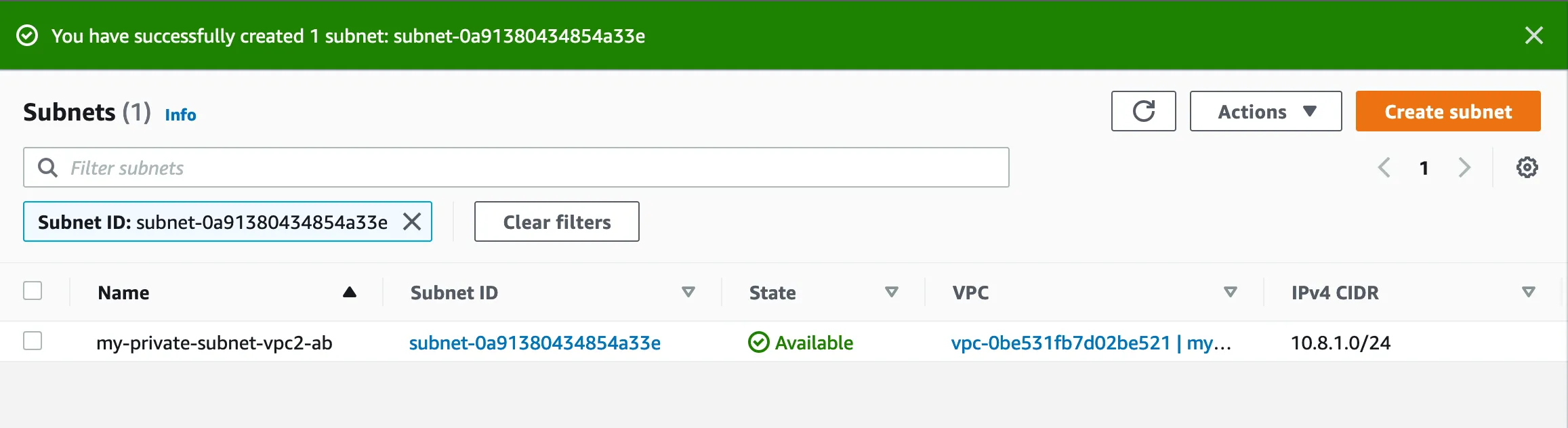
Route Table :
- my-route-table-private-subnet-vpc2-ab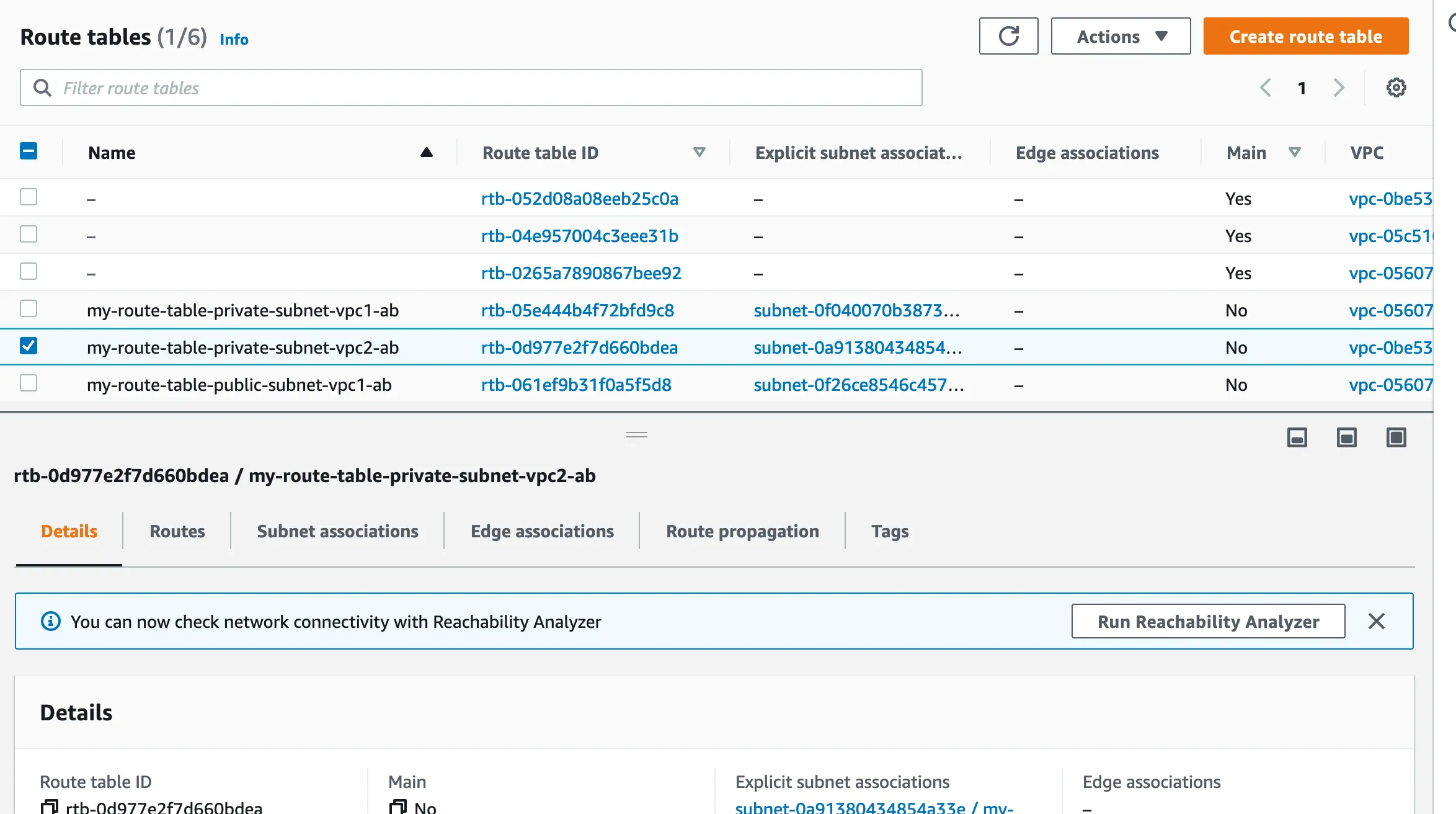
1.3 : Create a Instances
Instance creation :
- AB_VM1_VPC_01- AB_VM2_VPC_01- AB_VM3_VPC_02
1.4 : Ping test
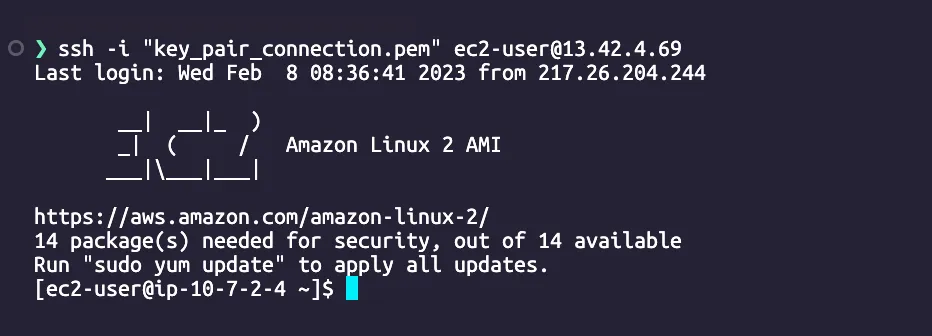
AB_VM1_VPC_01 ssh connection :
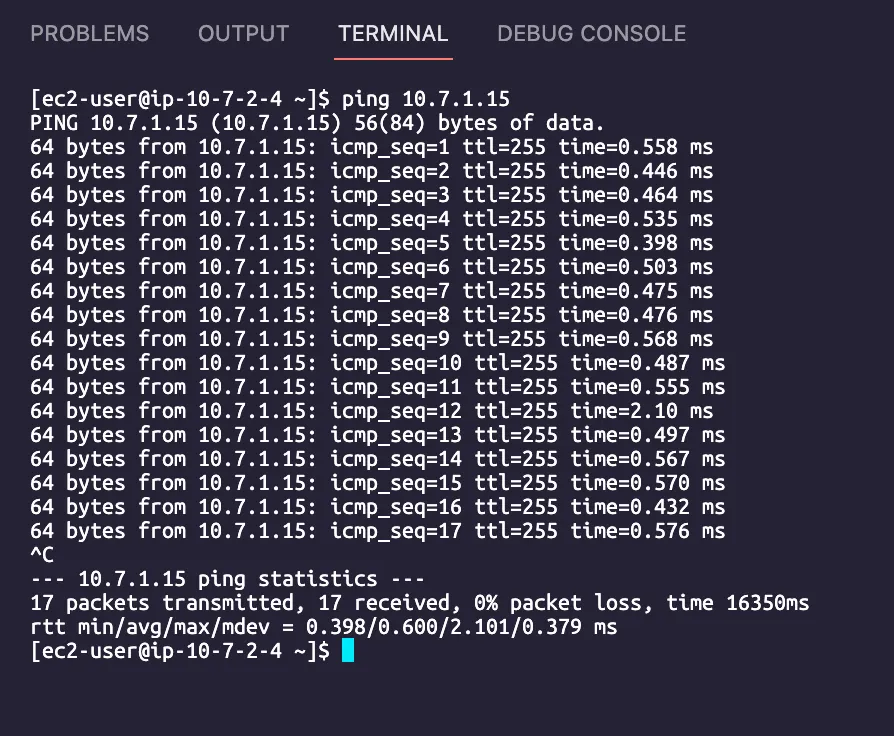
Ping AB_VM2_VPC_01
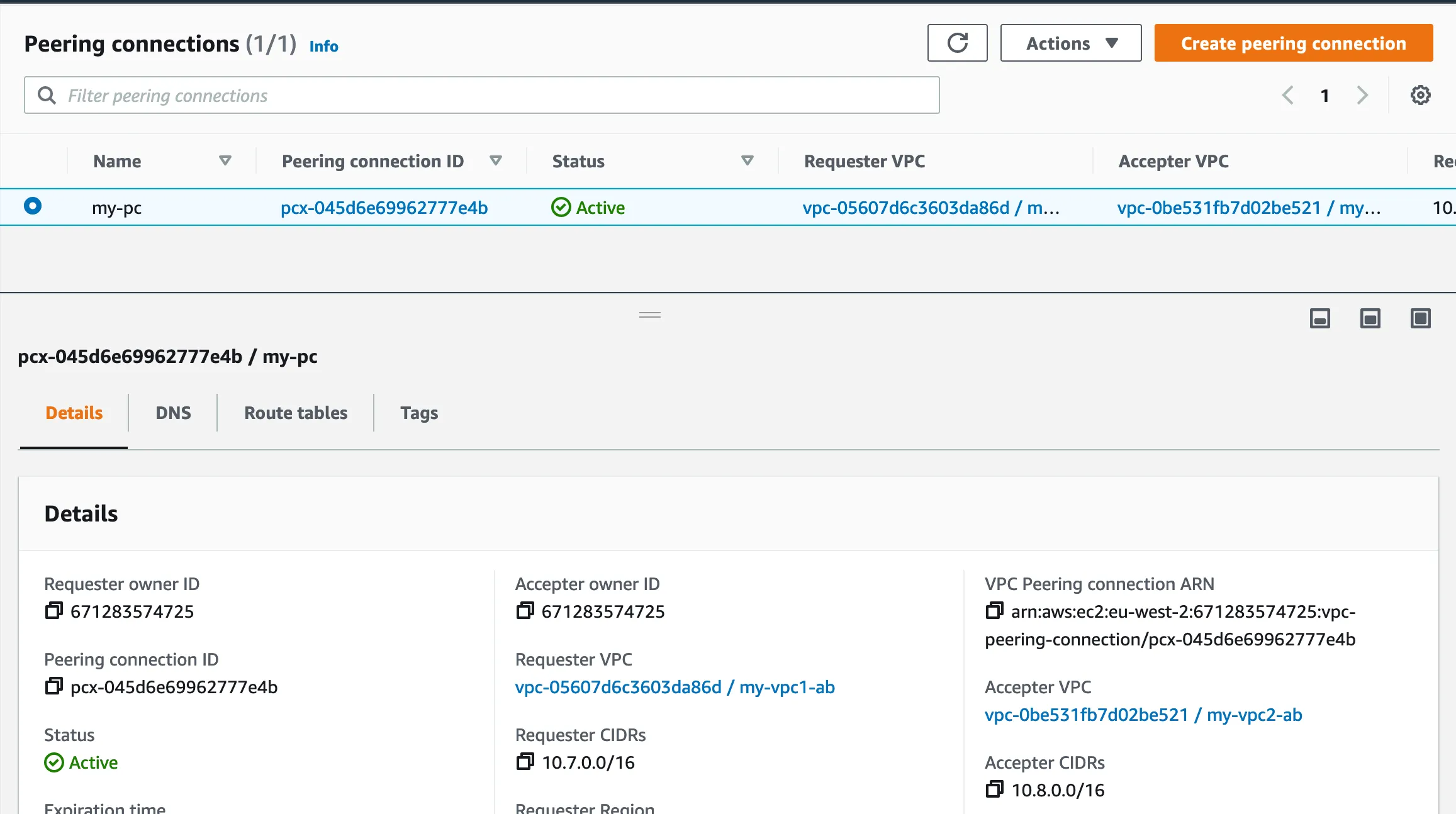
Create Peer Connection :
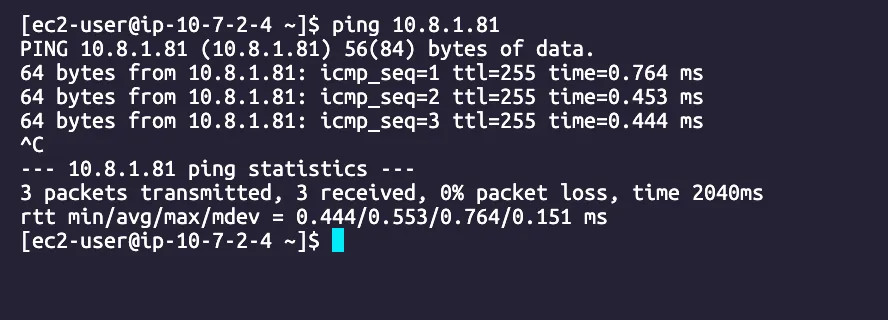
Ping AB_VM3_VPC_02
Part 2 : Create VPC on different Regions
AWS Architecture
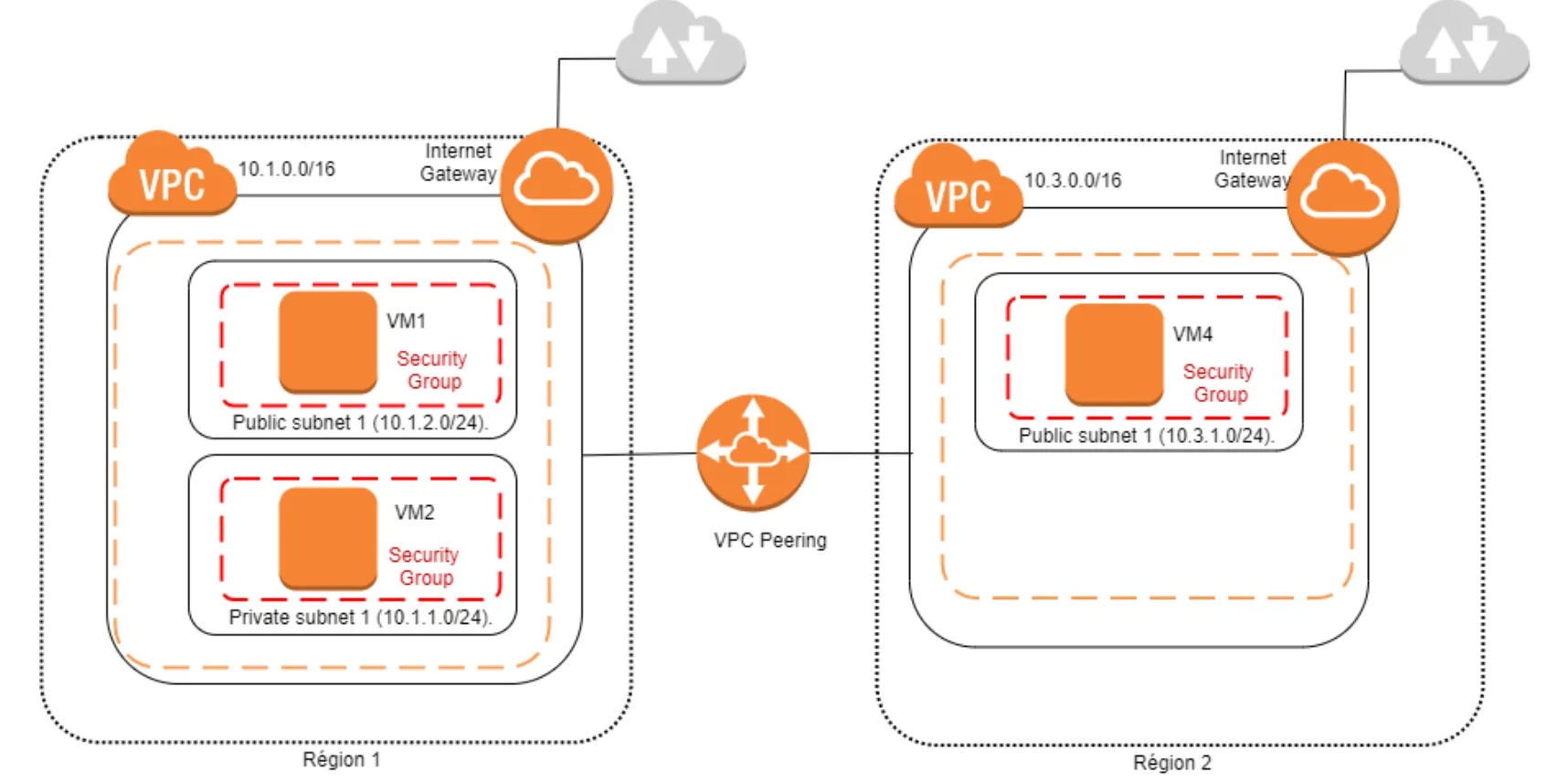
2.1 : Create a VPC_3
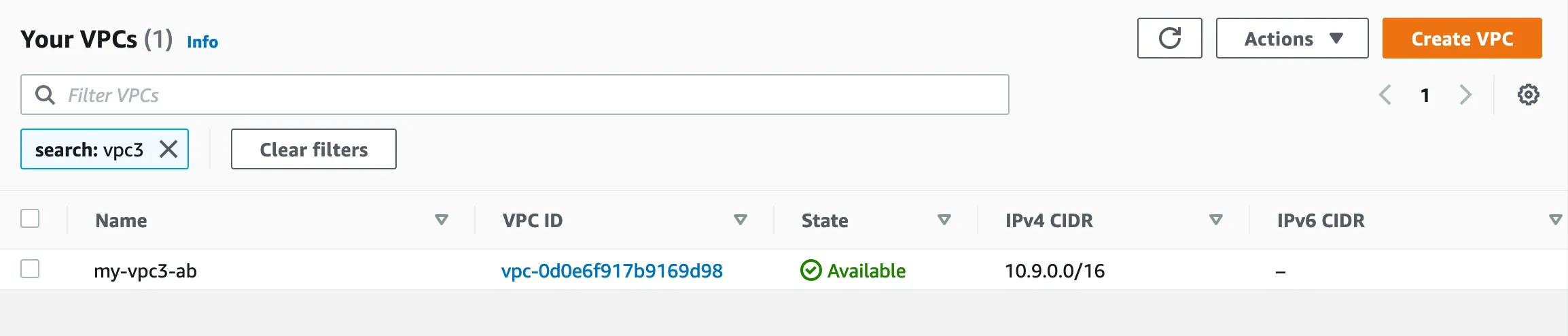
- Name :
my-vpc3-ab = 10.9.0.0/16 - Region :
eu-west-1
Subnet :
my-public-subnet-vpc1-ab = 10.9.1.0/24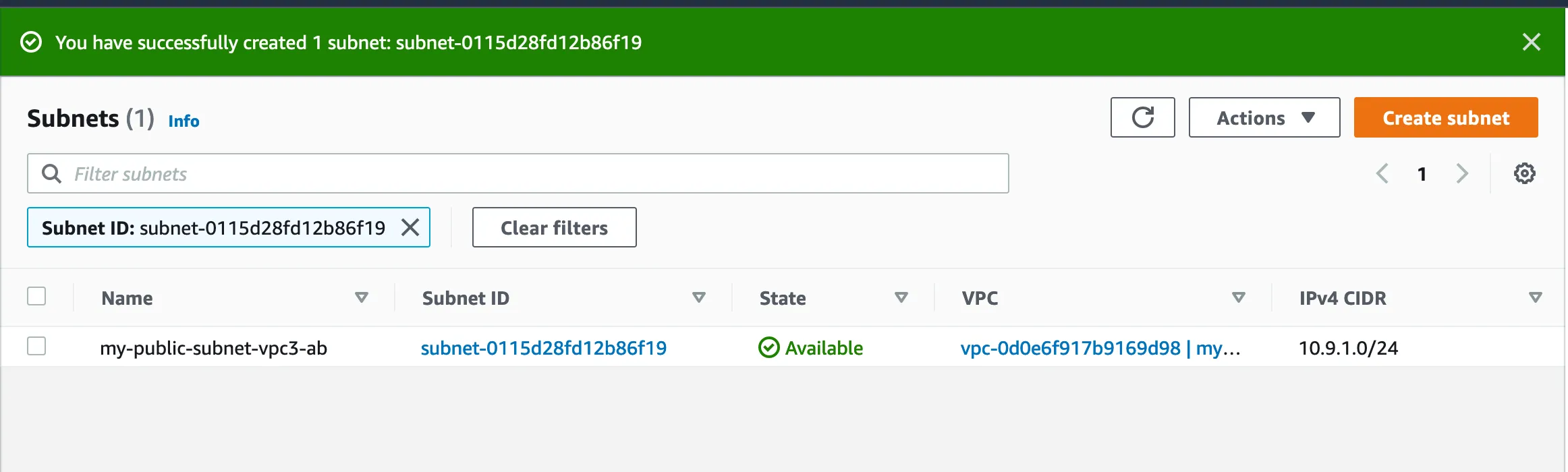
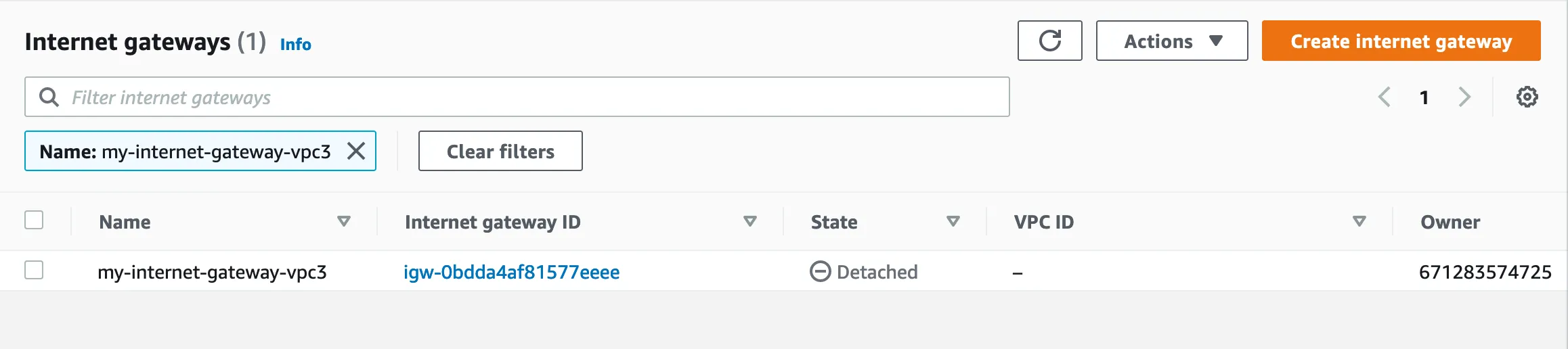
Internet Gateway : my-internet-gateway-vpc3
Route Table :
my-route-table-vpc3-ab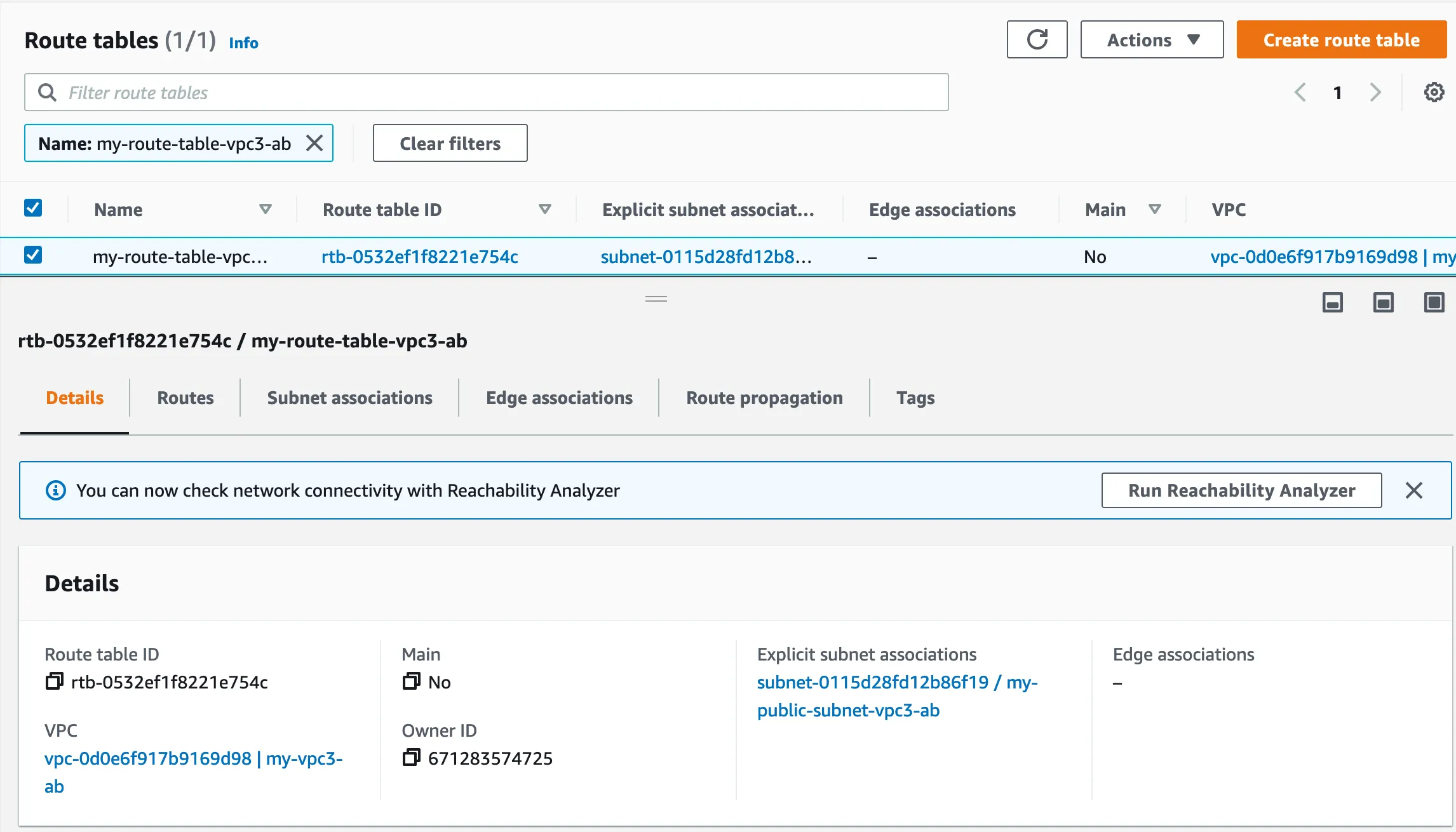
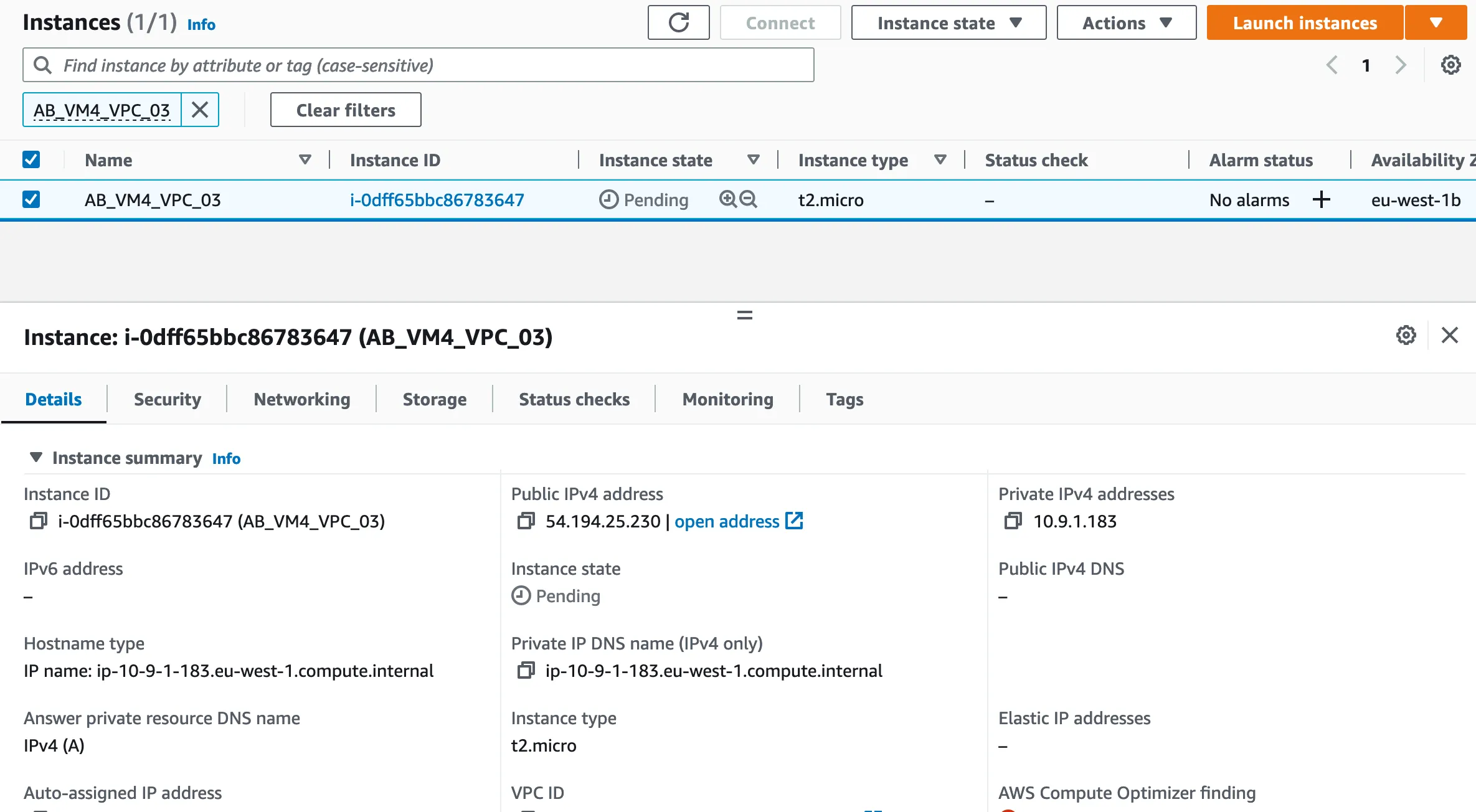
Instance creation : AB_VM4_VPC_03
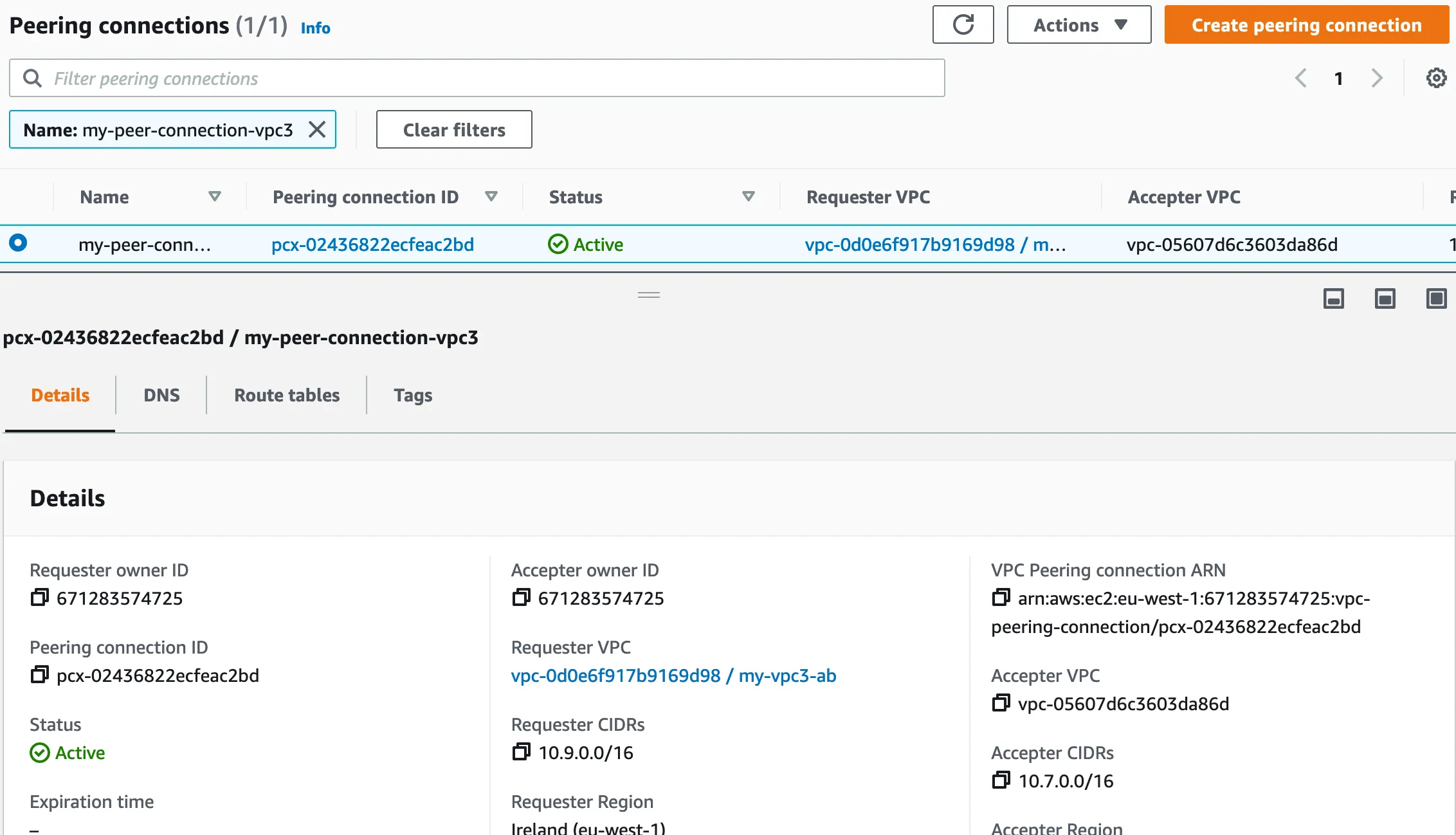
2.2 : Create a Peer Connection VPC_1 & VPC_3
A VPC peering connection is a networking connection between two VPCs that enables you to route traffic between them using private IPv4 addresses or IPv6 addresses. Instances in either VPC can communicate with each other as if they are within the same network.
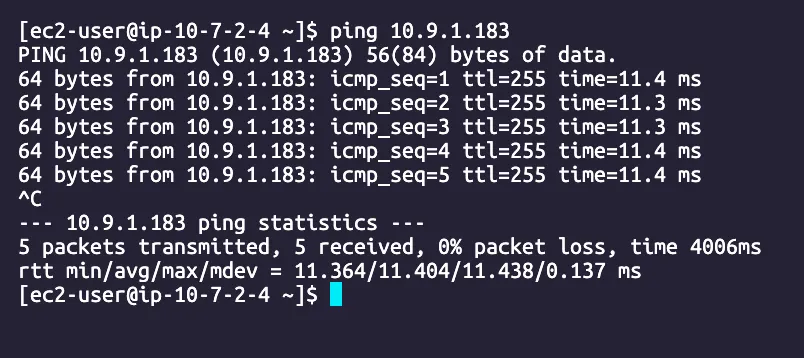
2.3 : Ping test
Ping AB_VM1_VPC_01 to AB_VM4_VPC_03
Part 3 : CloudWatch
3.1 : Configure log flow
Create policie
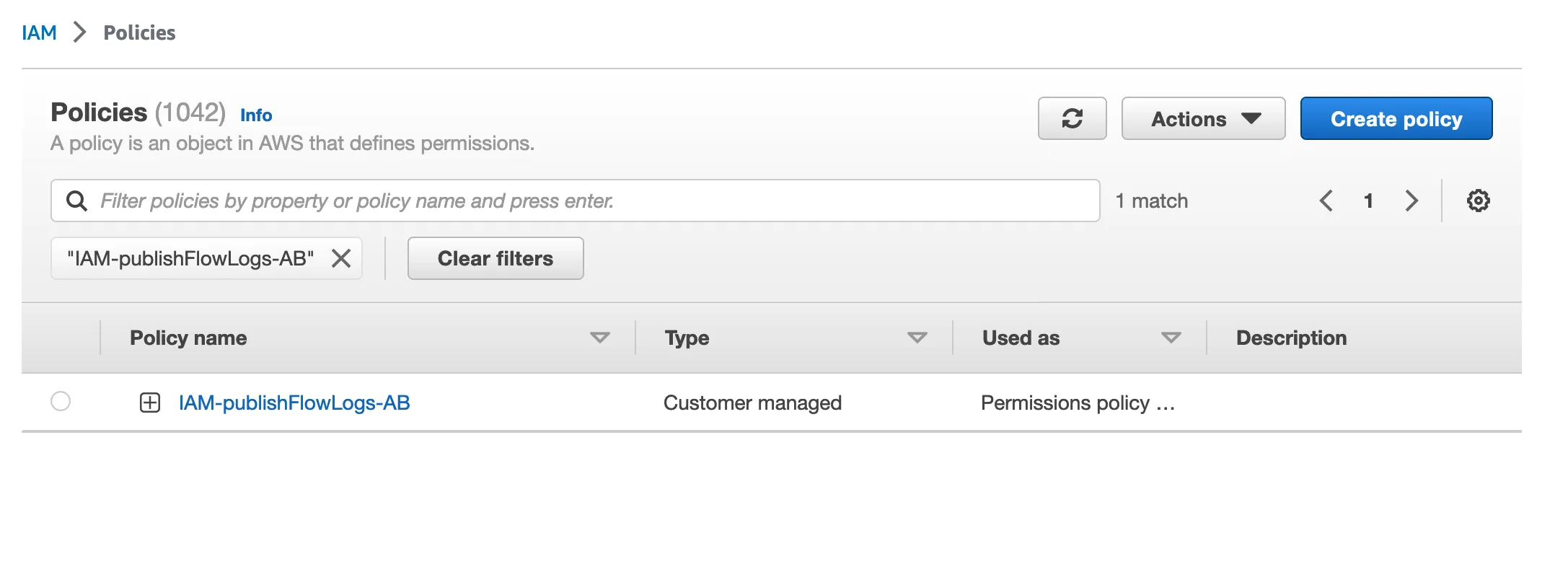
iam.json
{ "Version": "2012-10-17", "Statement": [ { "Action": [ "logs:CreateLogGroup", "logs:CreateLogStream", "logs:PutLogEvents", "logs:DescribeLogGroups", "logs:DescribeLogStreams" ], "Effect": "Allow", "Resource": "*" } ]}Create role
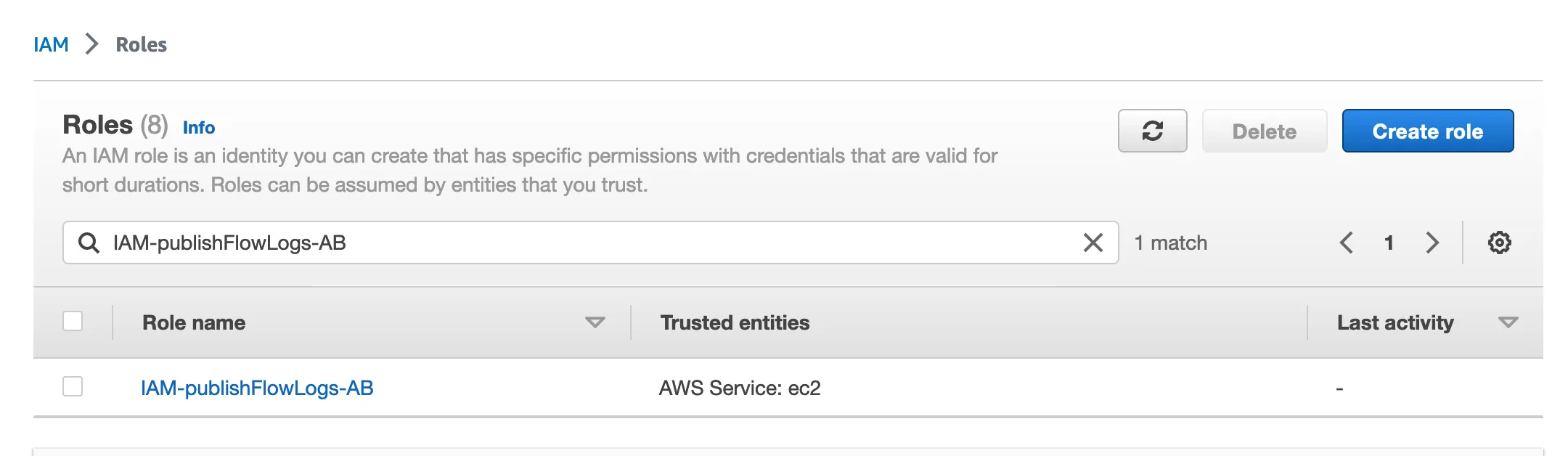
role.json
{ "Version": "2012-10-17", "Statement": [ { "Effect": "Allow", "Principal": { "Service": "vpc-flow-logs.amazonaws.com" }, "Action": "sts:AssumeRole" } ]}Create log group
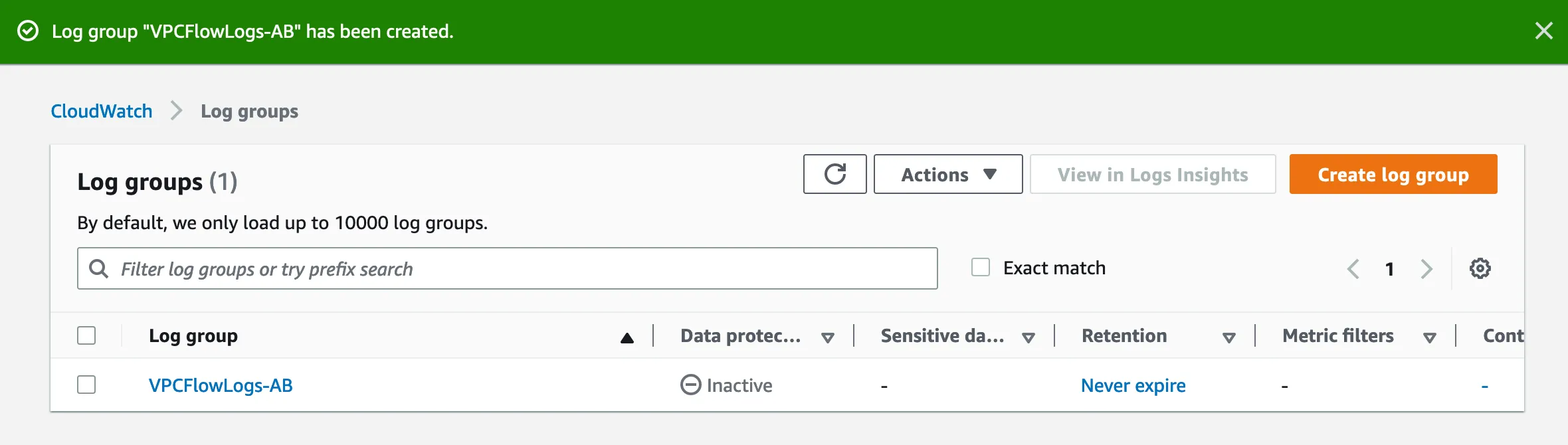
Create logs flow
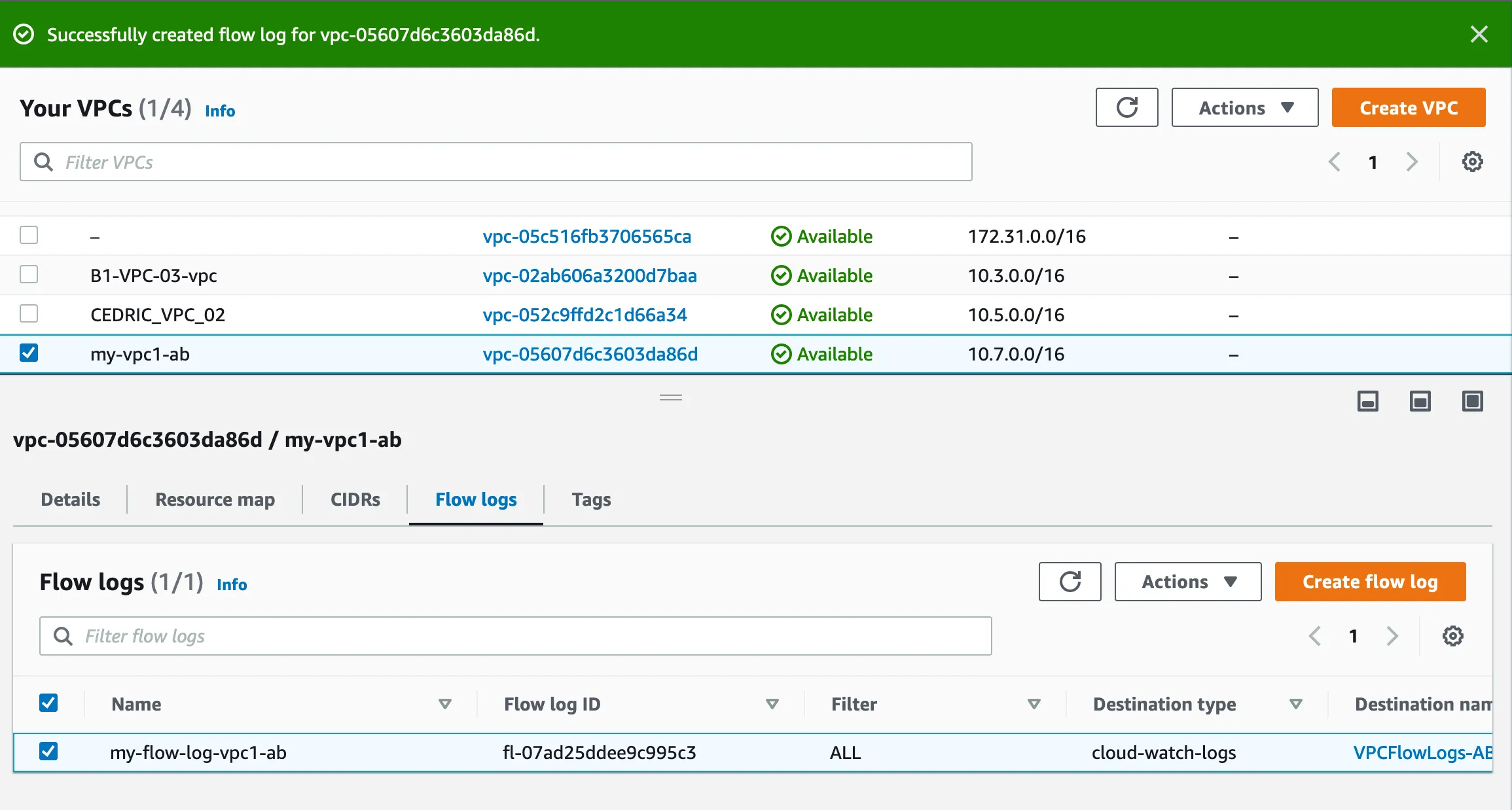
3.2 : Create a web server and get logs
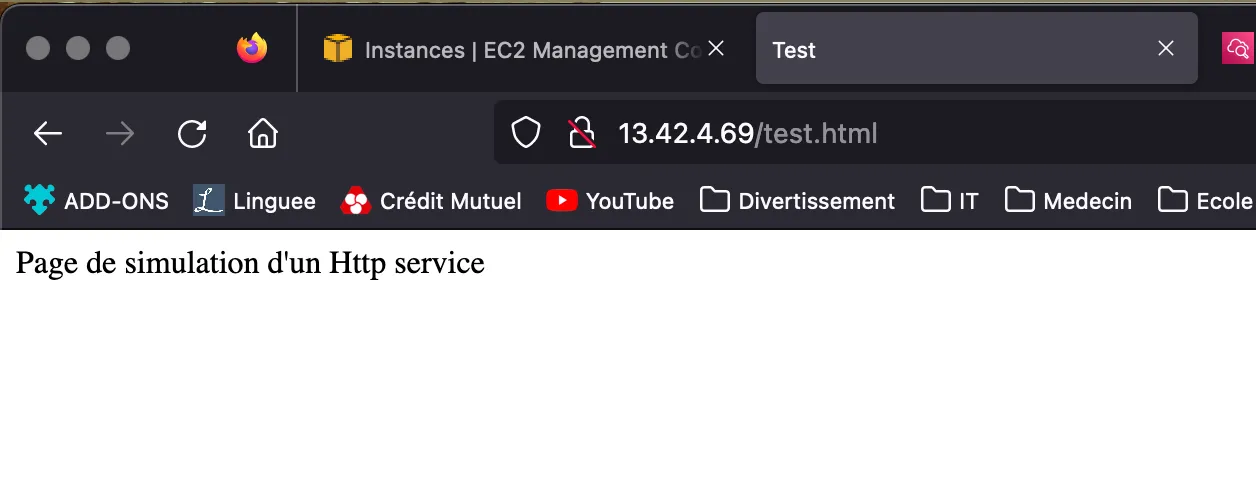
Create a web server page
Log request 1
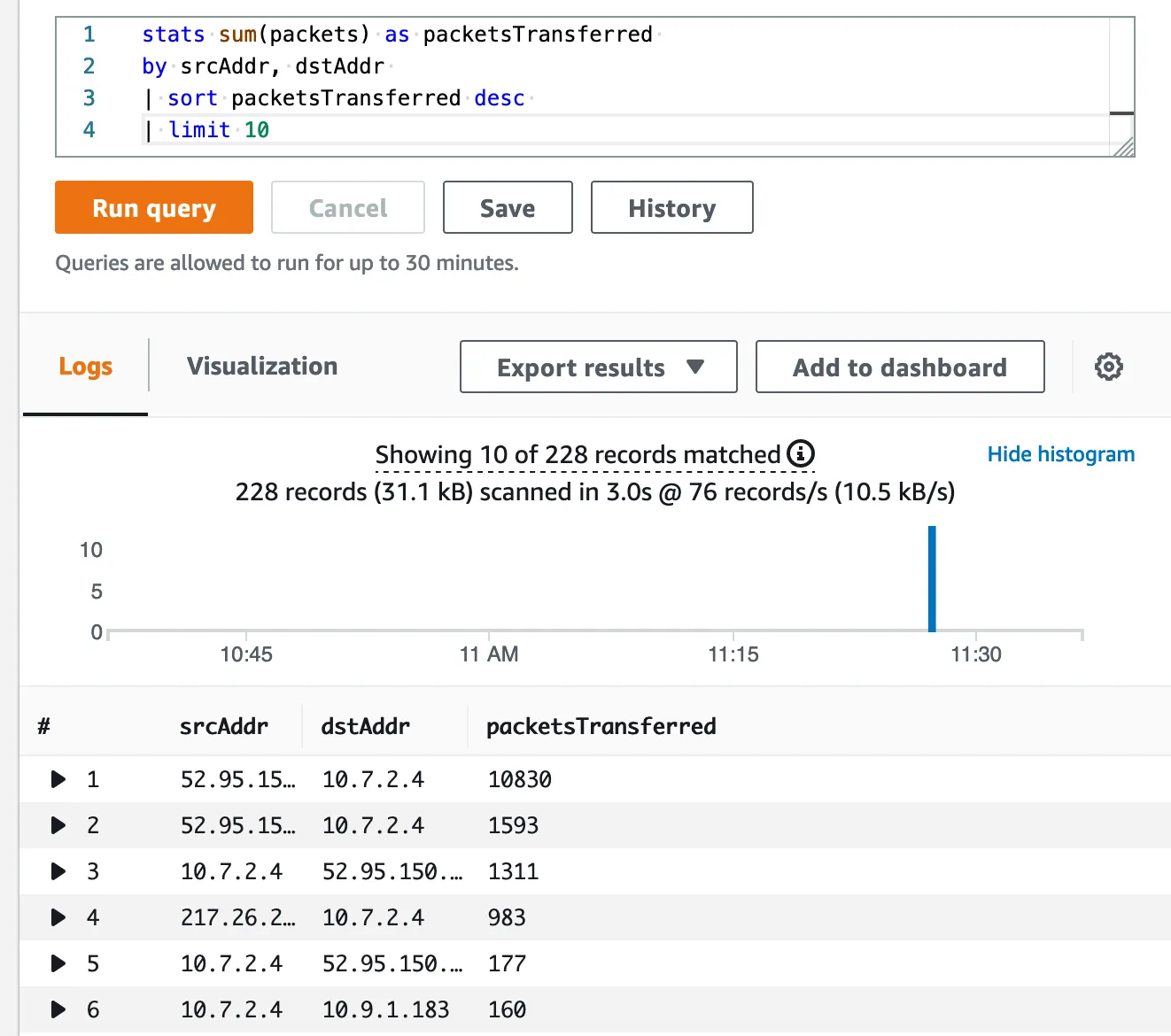
stats sum(packets) as packetsTransferredby srcAddr, dstAddr| sort packetsTransferred desc| limit 10Result :
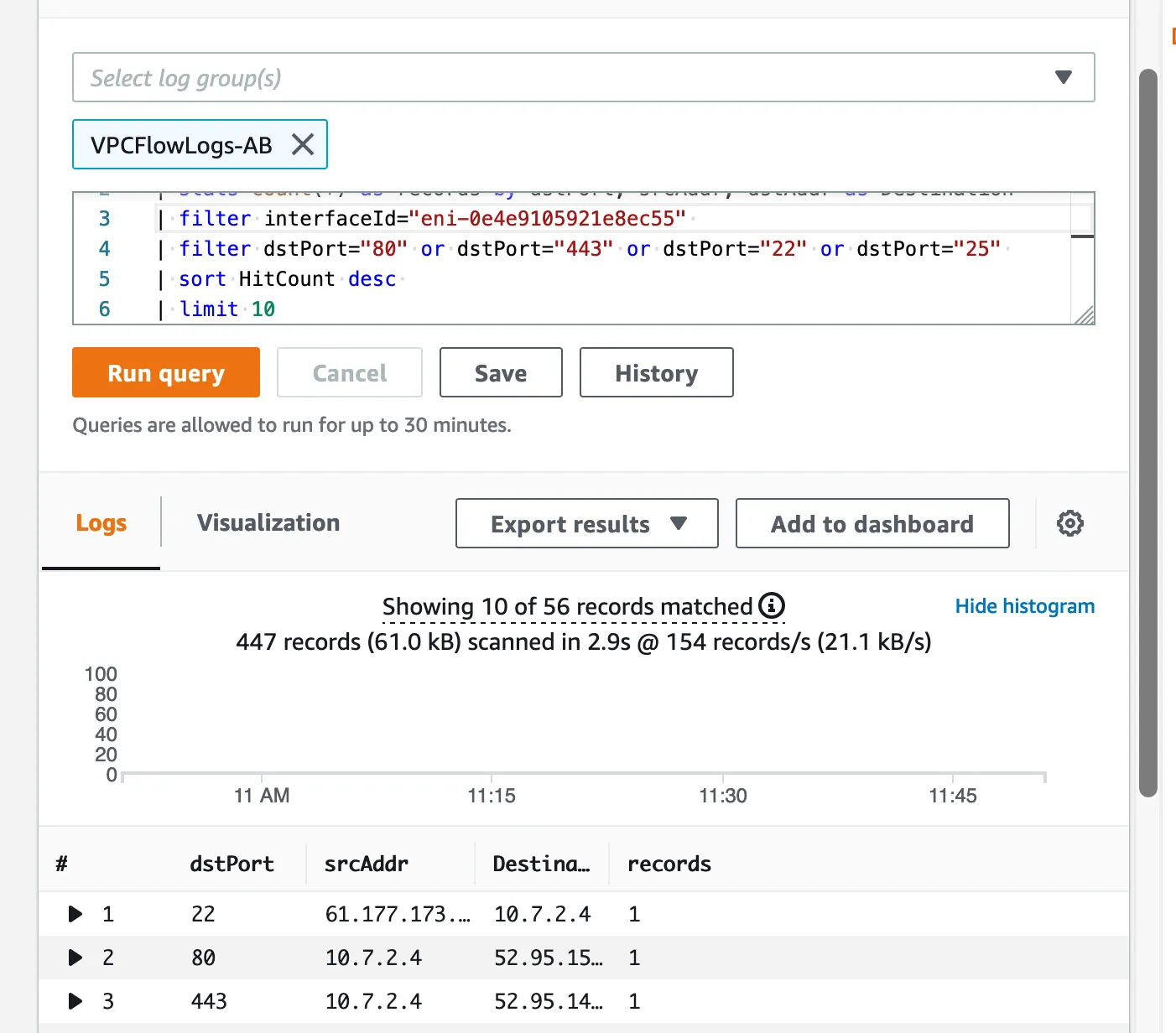
Log request 2
fields @timestamp, @message| stats count(*) as records by dstPort, srcAddr, dstAddr as Destination| filter interfaceId="eni-051f20d7aa3334d64"| filter dstPort="80" or dstPort="443" or dstPort="22" or dstPort="25"| sort HitCount desc| limit 10Result :